
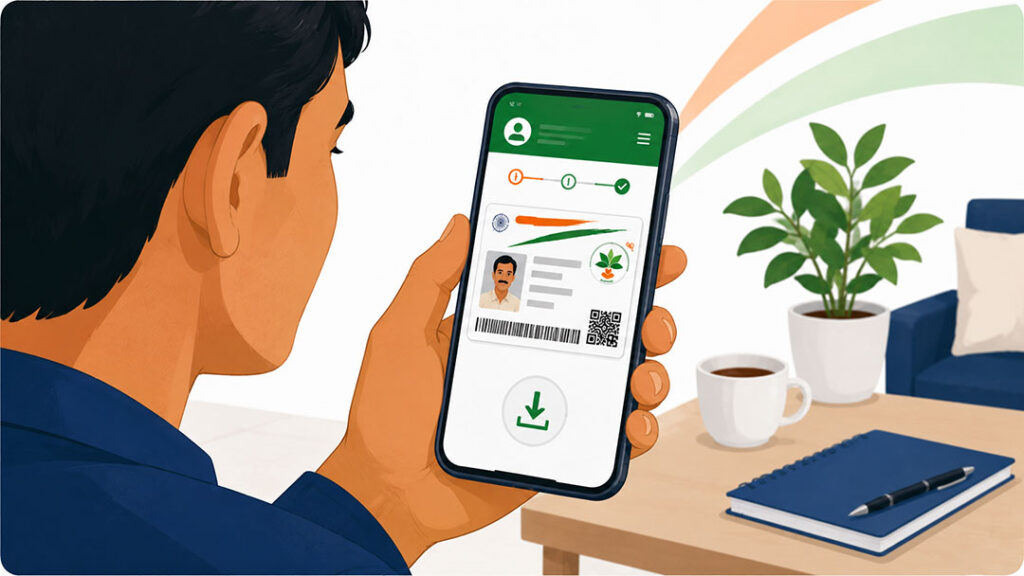
How to Download Your Ayushman Bharat Card Online
Your Ayushman Bharat PM-JAY card is your key to cashless healthcare at empanelled hospitals across India. If you have lost your physical card, need a digital copy, or want to access your e-card on your phone, there are several ways to download it online.
This guide covers three methods to download your PM-JAY card — through the ABHA app, DigiLocker, and the official PMJAY website.
Method 1 — Download Through ABHA App
The Ayushman Bharat Health Account (ABHA) app is the official mobile app for the scheme. It is available on both Google Play Store (Android) and Apple App Store (iOS).
Step 1: Download and install the ABHA app from your app store.
Step 2: Open the app and log in using your registered mobile number. Enter the OTP sent to your number.
Step 3: After logging in, navigate to the “My Cards” or “Health Cards” section.
Step 4: Your Ayushman Bharat PM-JAY card will be displayed. Tap “Download” to save it as a PDF on your phone.
Step 5: You can also take a screenshot of the card for quick access.
Method 2 — Download Through DigiLocker
DigiLocker is the government’s digital document storage platform. If your Ayushman Bharat card has been linked to your DigiLocker account, you can access it anytime.
Step 1: Open the DigiLocker app or visit digilocker.gov.in.
Step 2: Log in with your Aadhaar-linked mobile number.
Step 3: Go to the “Issued Documents” section.
Step 4: Search for “Ayushman Bharat” or “PMJAY” in the search bar.
Step 5: If your card is available, you can view it online and download the PDF.
Method 3 — Download From PMJAY Website
Step 1: Visit the official website at pmjay.gov.in.
Step 2: Click on “Am I Eligible” button.
Step 3: Enter your mobile number and select your state.
Step 4: Verify with OTP.
Step 5: Search for your name using your Aadhaar number, ration card number, or SECC HHID.
Step 6: If found, your PM-JAY card details will be displayed with a download option.
What If You Cannot Find Your Card Online?
If your card does not appear in any of the above platforms, it may mean your card has not been generated yet or there is a data mismatch. In this case, visit your nearest Common Service Centre (CSC) or any PMJAY empanelled hospital’s Ayushman Mitra desk. They can generate a new e-card for you on the spot after verifying your eligibility.
You can also call the PMJAY helpline at 14555 for assistance with card-related queries.
Digital Card vs Physical Card
Both the digital e-card and the physical printed card are equally valid for availing cashless treatment. Most hospitals now accept the e-card shown on your phone. However, carrying the Aadhaar card along with the PM-JAY card (digital or physical) is always mandatory for biometric verification at the hospital.
Ready to use your card? Find PMJAY empanelled hospitals near you at PMJAYHospitals.com.
Disclaimer: PMJAYHospitals.com is an independent directory and is not affiliated with the National Health Authority or any government body. For official information, visit pmjay.gov.in or call 14555.